Strata for Mac & Windows.
One small app. The whole lab — engine, market data, validation suite, and code export — running on your own machine.
macOS 13+ · Apple silicon · ~20 MB
Native app. First launch: right-click → Open (one-time — the beta isn’t Apple-notarized yet).
Windows 10/11 · x64 · ~130 MB
Portable build — unzip and run Strata.exe. SmartScreen may ask once: More info → Run anyway (beta isn’t code-signed yet).
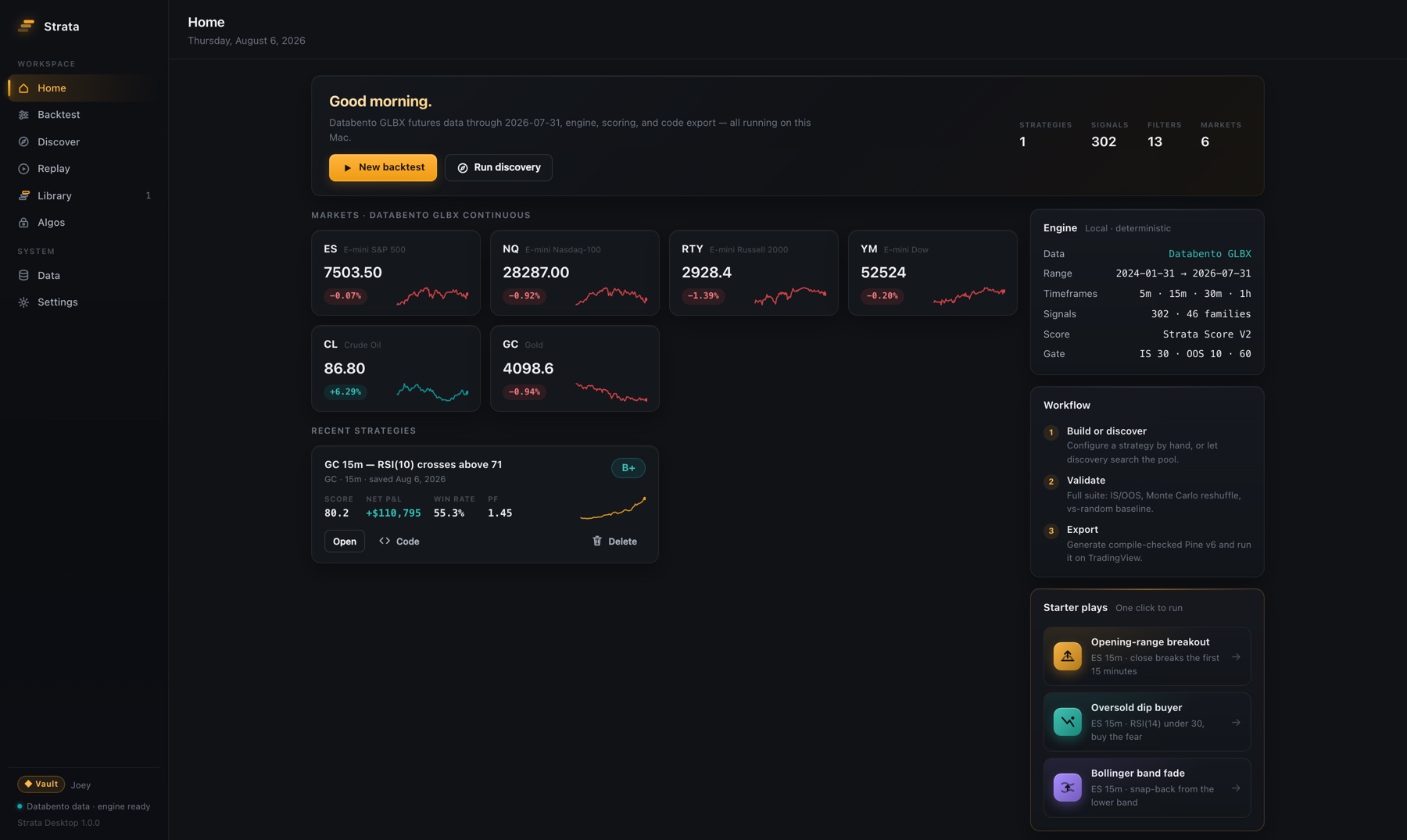
Backtests, discovery runs, Monte Carlo, and the full Strata Score V2 suite — computed locally, in seconds, with no run quotas.
CME futures data for ES, NQ, RTY, YM, CL, and GC ships inside the app — volume-rolled continuous, back-adjusted, session-correct. Updates are part of your subscription.
302 Pine-verified entry signals across 46 families, entry filters, and full risk brackets — every combination exportable as compile-checked Pine Script v6.
With a Vault license, all six Timeless algos for NinjaTrader 8 download straight from the app — decrypted locally and watermarked to your license.
How you get it
Pick a plan on the pricing page. Checkout takes a minute.
Your welcome email carries the download link and your personal license key.
Mac: drag Strata to Applications. Windows: unzip and run Strata.exe. Enter your key to unlock the Vault — same license works on both.
Common questions
- Does it work offline?
- Yes. The engine, data, scoring, and code export are fully local. You only need a connection for data updates.
- Where does my work live?
- In files on your machine — Application Support on Mac, AppData on Windows. Your strategies and results are never uploaded — there's no server for them to go to.
- What are the requirements?
- Mac: macOS 13 or later on Apple silicon (~20 MB). Windows: Windows 10 or 11, 64-bit (~130 MB). Market data is included in both.
- What about updates?
- App and data updates are included with your subscription and announced in the app and by email.
14-day money-back guarantee. Questions before you buy? hello@strataalgo.com